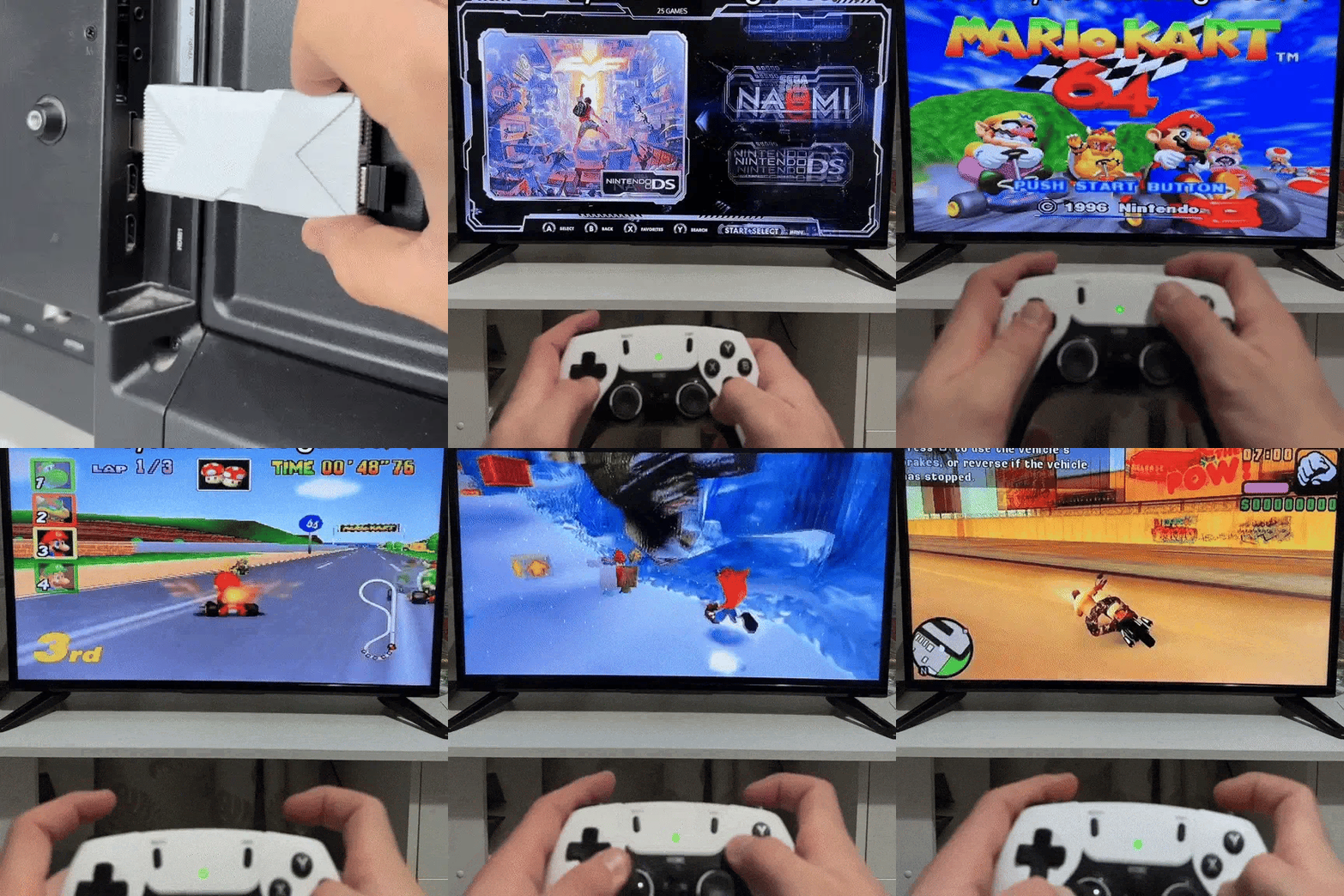
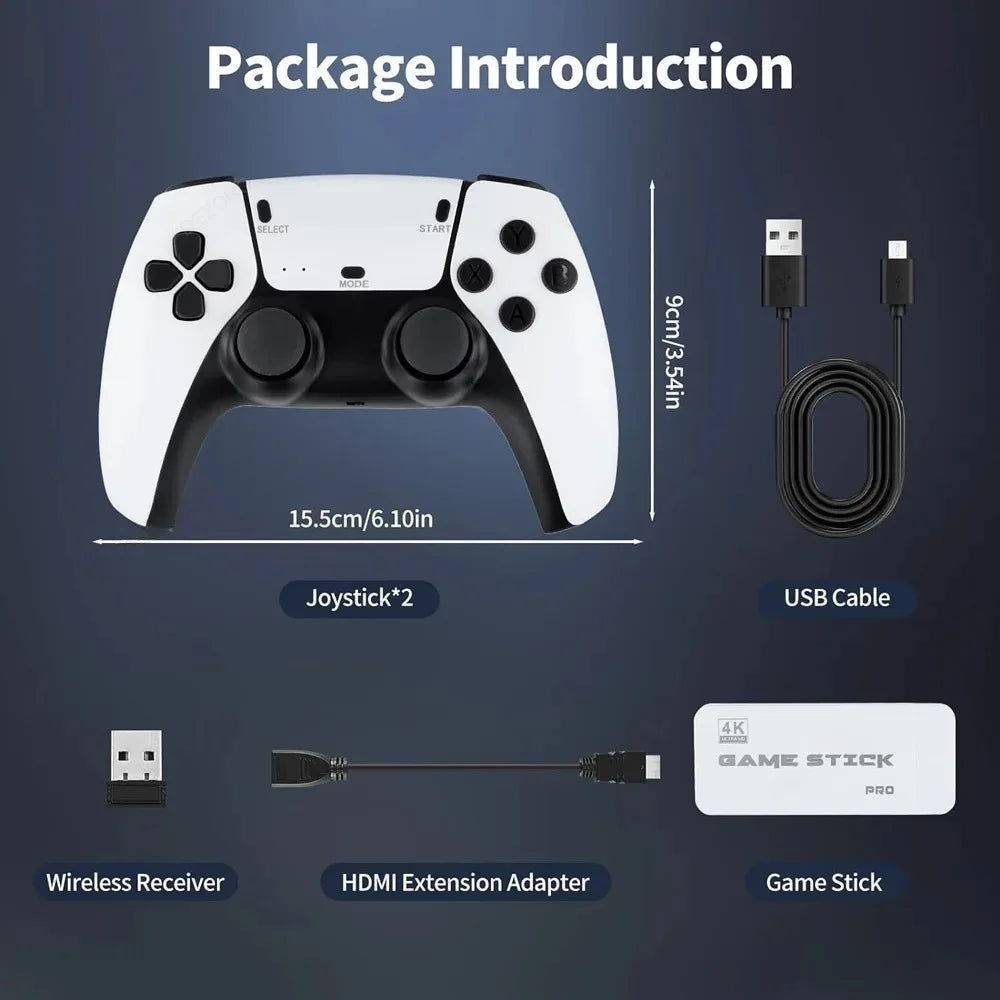
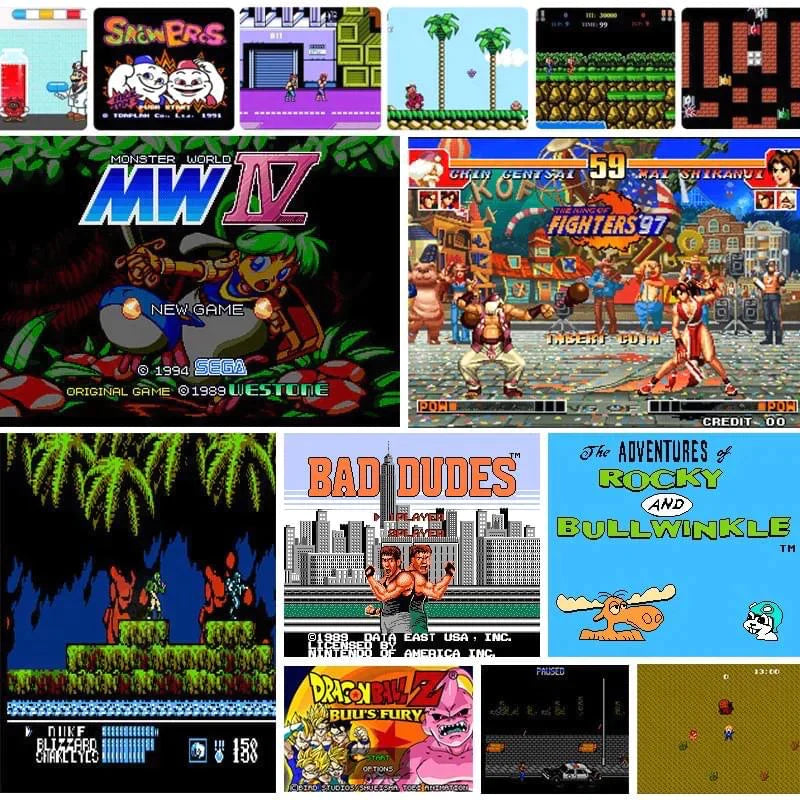
Backing up your Game Stick Pro protects your games and system in case the Micro SD card becomes corrupted. We strongly recommend creating a backup as soon as you receive your device.
A Windows PC or Mac
A Micro SD card reader
Free disk imaging software
Power off your Game Stick Pro and carefully remove the Micro SD card.
Insert it into your computer using a Micro SD card reader.
Open Win32 Disk Imager
Select the correct drive letter for the Micro SD card
Choose a folder on your computer to save the backup file
Click Read
This creates a complete backup of your Game Stick Pro system and games.
Open Disk Utility
Select the Micro SD card from the list
Use Create Image or Restore
This clones the entire Game Stick Pro card into a single backup file.
If Windows asks you to format the Micro SD card:
Click Cancel
This is normal
Your Game Stick Pro uses multiple partitions (system + games) that Windows cannot read, but the backup software will still copy everything correctly.
You may see a visible “Games” folder and try to copy it manually.
⚠️ This does not back up the operating system and may cause your Game Stick Pro to stop working.
For full protection, always use the full image (clone) backup method.
Insert a new or existing Micro SD card into your computer
Open the same software used to create the backup
Select your saved backup image
Click Write to restore the card
Once finished, reinsert the Micro SD card into your Game Stick Pro and power it on.
We strongly recommend backing up your Micro SD card immediately after receiving your Game Stick Pro.
Stock Micro SD cards can become corrupted over time.
A backup ensures:
Your games are safe
Your system is protected
Fast recovery if issues occur
Visit www.gamestickpro.com for support, guides, and updates.
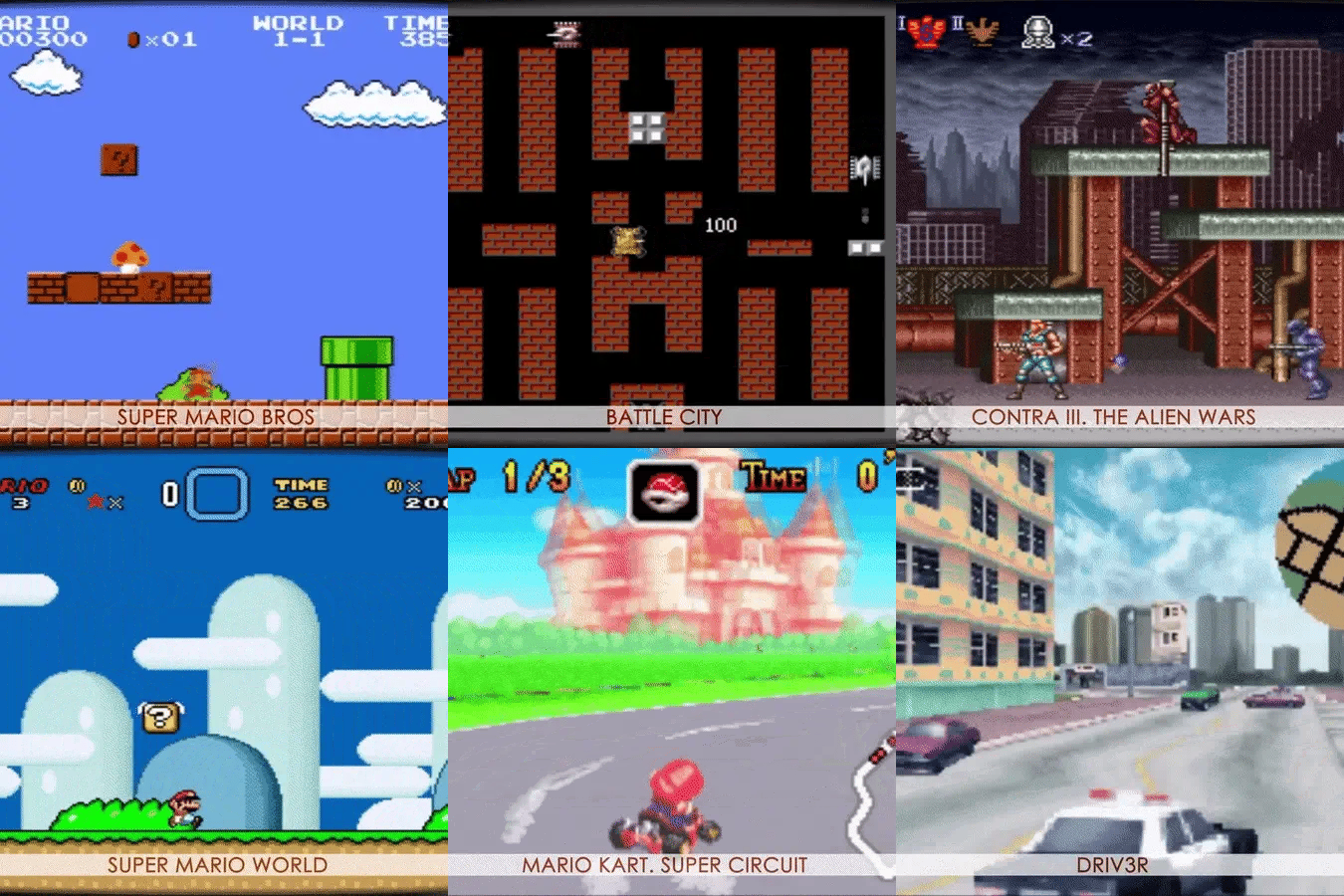
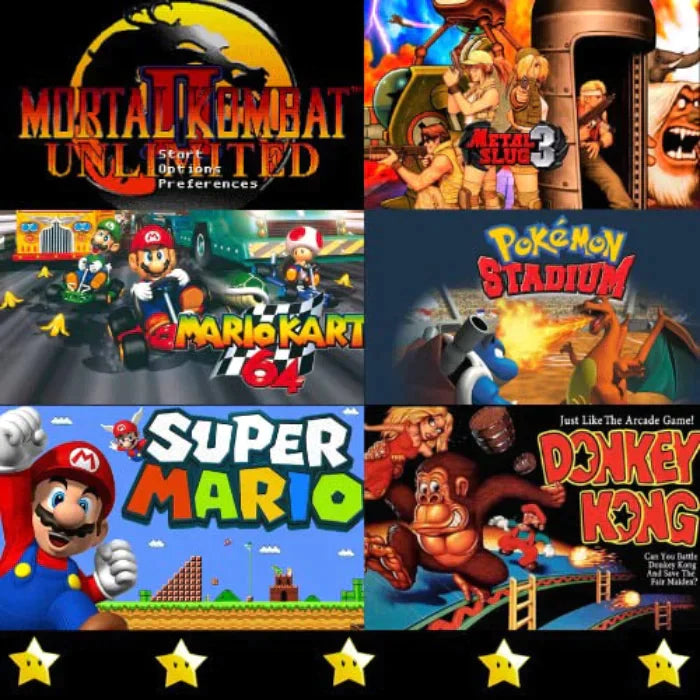
Discover the ultimate retro game console experience with our Game Stick Products. Relive classic gaming nostalgia with 100k+ built-in retro games. Plug-and-play, easy setup, endless fun.